How to Create a Spotify Account (Step-by-Step Guide 2026)
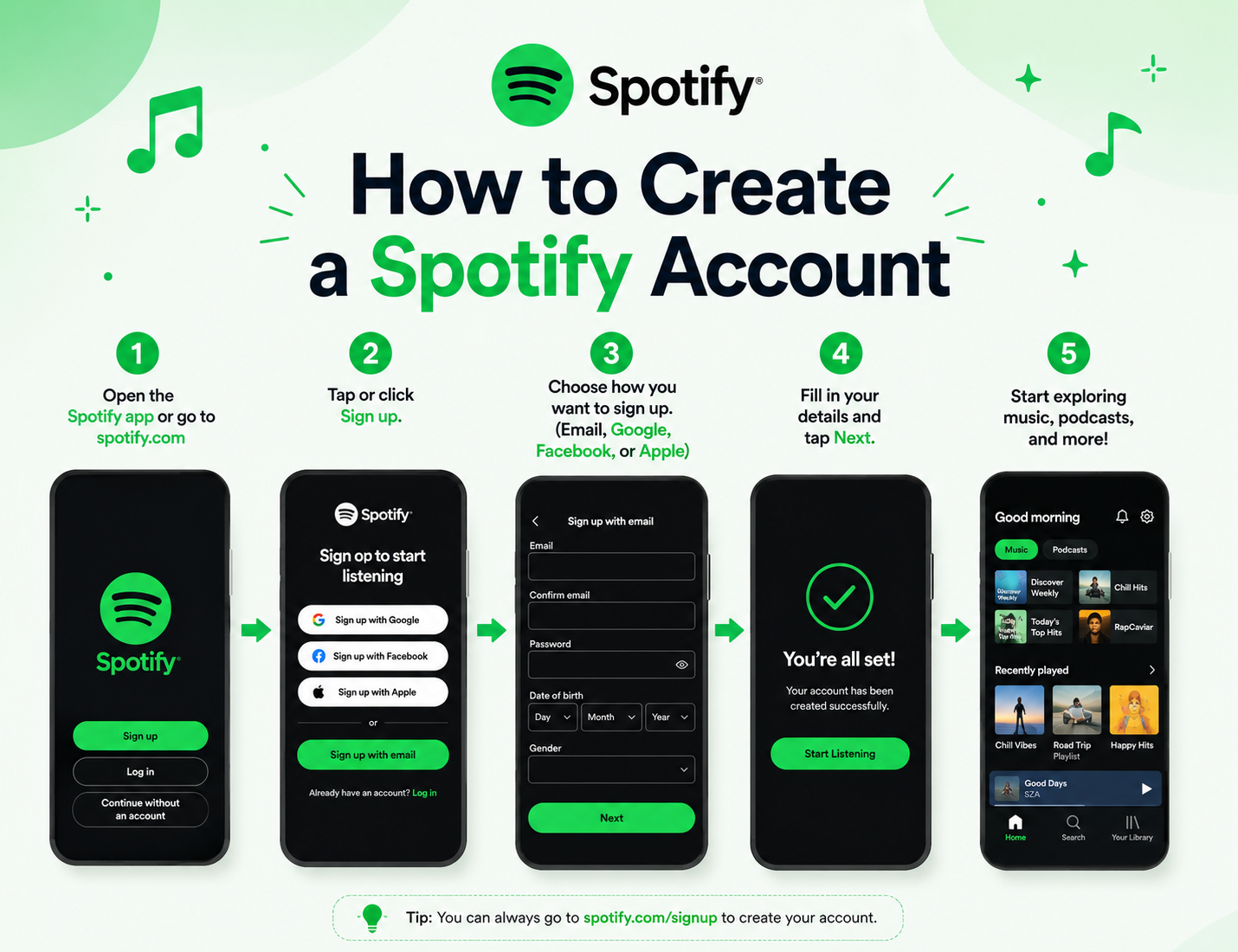
If you’re new to Spotify, getting started might seem a little confusing at first. But in reality, creating an account is a quick and simple process that takes only a few minutes. Whether you want to listen to music, explore podcasts, or build your own playlists, everything begins with setting up your account properly.
This guide walks you through the entire process in a clear and natural way, so you can go from zero to listening without any confusion.
What You Need Before Creating a Spotify Account
Before starting the signup process, it’s a good idea to have a few basic things ready. This helps avoid interruptions and makes everything smoother.
You’ll need a valid email address or phone number to register your account. If you prefer a faster option, you can also sign up using your Google, Facebook, or Apple account. Make sure you have a stable internet connection, and keep in mind that Spotify requires users to be at least 13 years old.
Once these basics are in place, you’re ready to move forward without any issues.
Step 1: Download the Spotify App or Open the Website
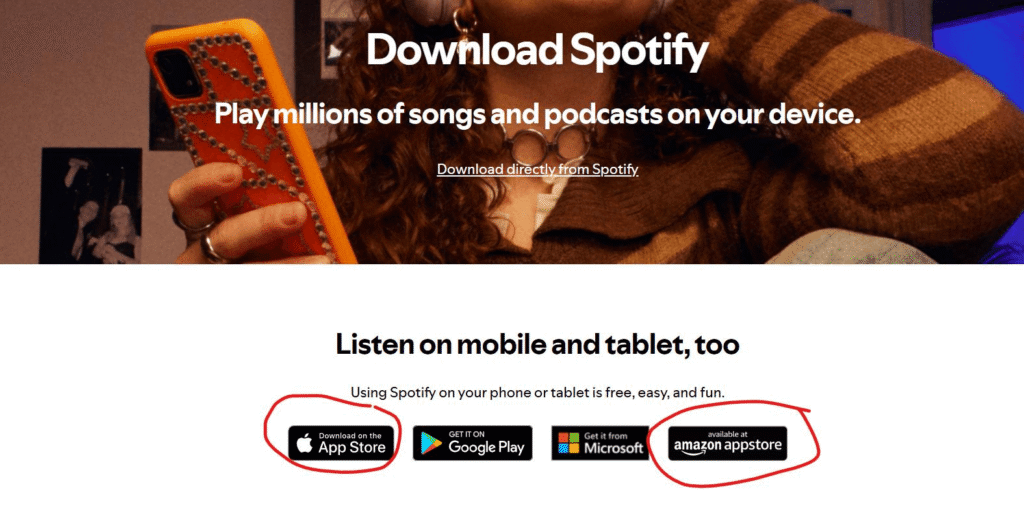
The first step depends on the device you’re using. If you’re on a smartphone, simply open the App Store or Google Play Store and search for Spotify. Install the app, and once it’s ready, open it.
If you’re using a laptop or desktop, you don’t need to install anything. Just go to the official Spotify website, and you’ll immediately see the option to sign up.
Either way, you’ll land on the same starting point, the signup screen.
Step 2: Choose a Sign-Up Method
When you click on “Sign Up,” Spotify gives you multiple ways to create your account. You can use your email, phone number, or continue with services like Google, Facebook, or Apple.
If you want speed and convenience, signing up with Google or Apple is usually the fastest option. However, if you prefer more control over your account details, using an email address is often the better choice.
Whichever method you choose, the process remains simple and only takes a minute or two.
Step 3: Enter Your Details
At this stage, you’ll be asked to fill in your basic information. This usually includes your email or phone number, a password, your display name, and your date of birth.
It’s important to create a strong password here. Instead of using something simple, try combining letters and numbers to keep your account secure. Your display name is what other users will see, so choose something you’re comfortable with.
Once everything is filled in, you can proceed to create your account.
Step 4: Verify Your Account
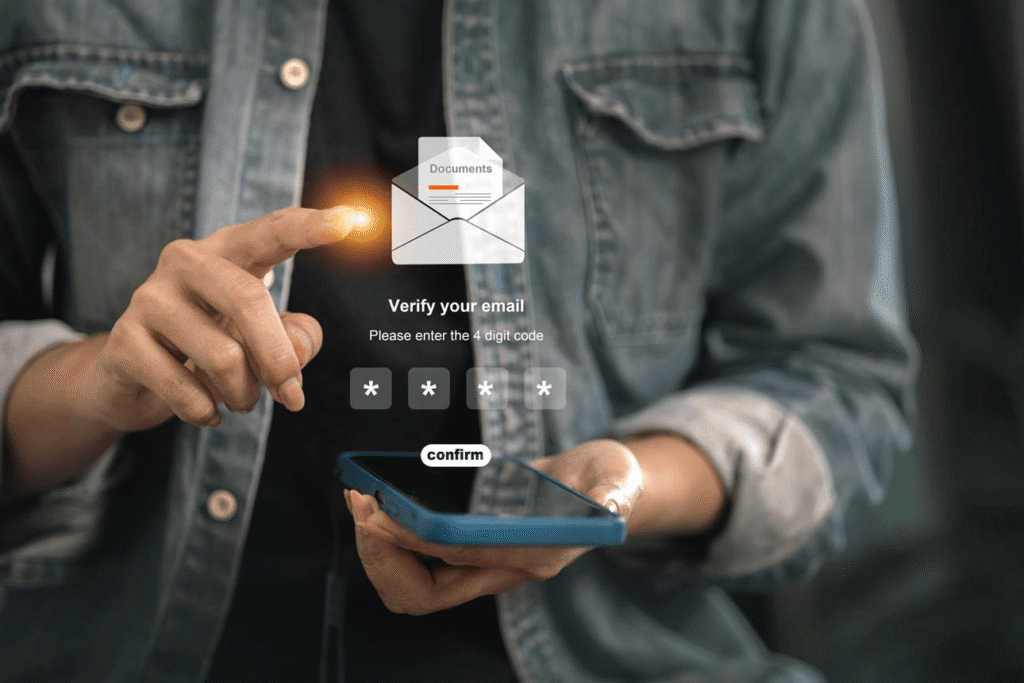
After signing up, Spotify will send a verification email to confirm your account. This step is important because it ensures your account is valid and secure.
Simply open your email inbox and click on the verification link. If the email doesn’t appear right away, check your spam folder or use the resend option provided by Spotify.
Once verified, your account is fully activated and ready to use.
Step 5: Set Up Your Profile
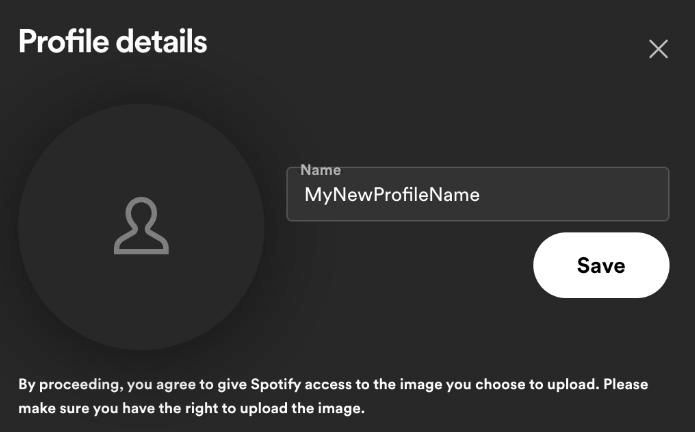
Now that your account is active, you can personalize your profile. This step isn’t mandatory, but it helps improve your overall experience.
You can upload a profile picture, set your display name, and adjust basic privacy settings. While your username is usually auto-generated, your display name is what others will see when you share playlists or activity.
Taking a minute to set this up makes your account feel more complete and personal.
Step 6: Start Using Spotify
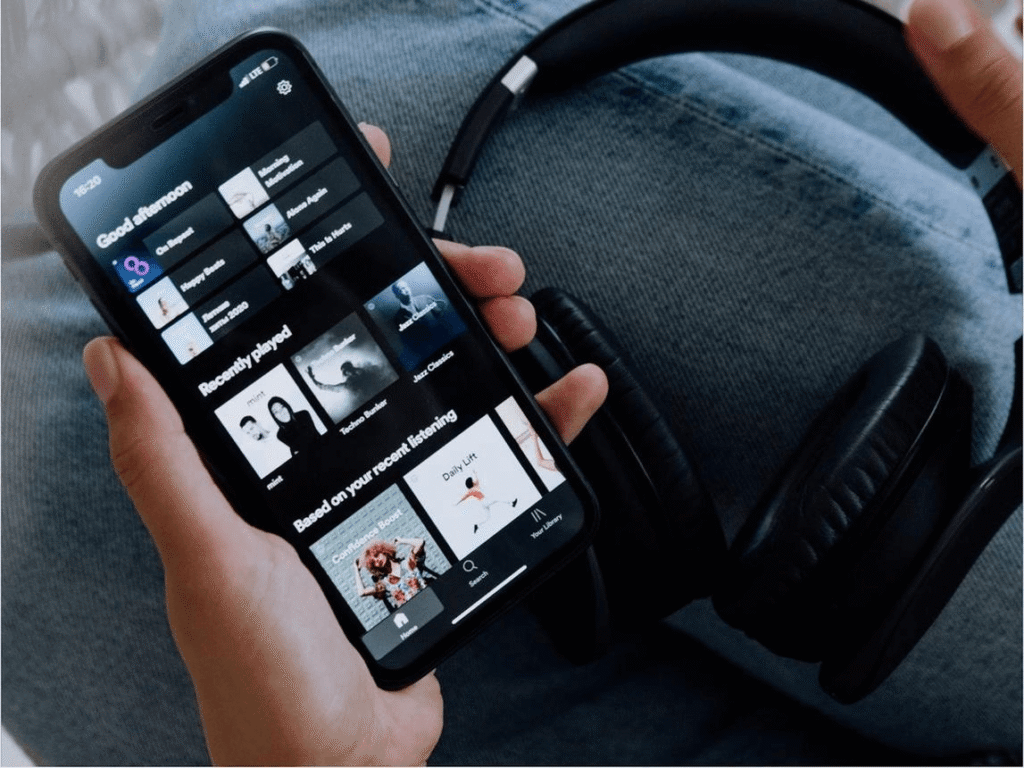
Once everything is set up, you can start exploring Spotify right away. You can search for your favorite songs, artists, or podcasts and start playing instantly.
As you continue using the app, Spotify begins to learn your preferences and suggests music based on your listening habits. You can also follow artists, create playlists, and discover new content tailored just for you.
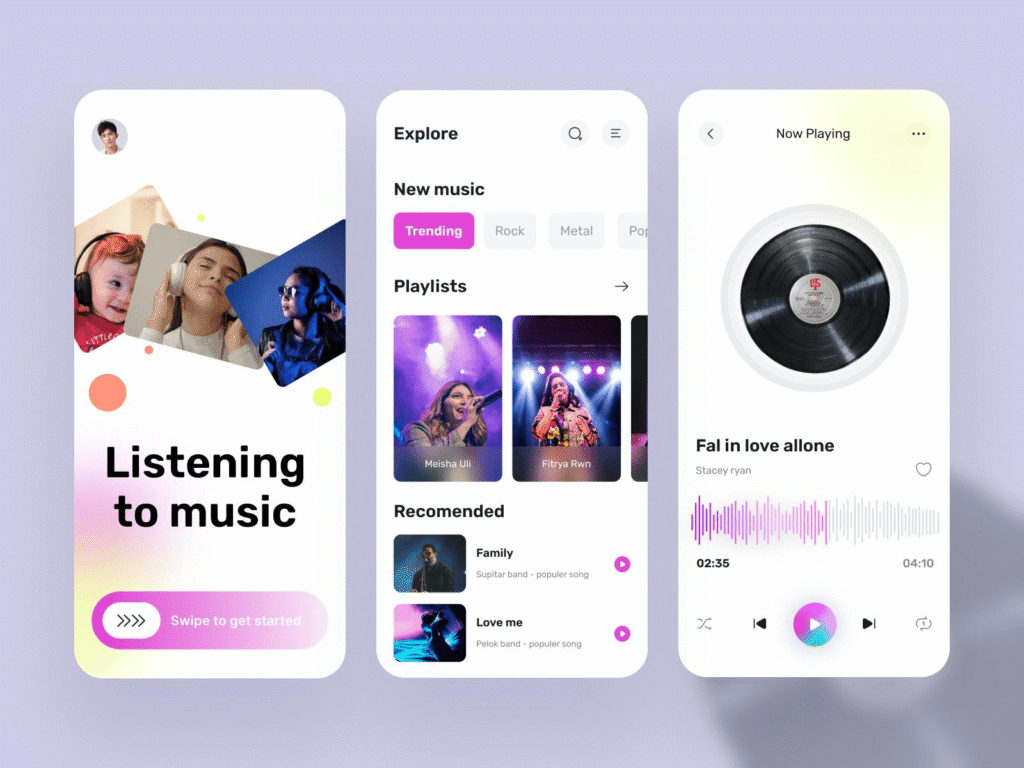
If you’re completely new, it’s helpful to also explore what Spotify is and how Spotify works to understand all its features.
Spotify Free vs Premium (Quick Overview)
Once you start using Spotify, you’ll notice there are two versions available:
|
Feature |
Spotify Free |
Spotify Premium |
|---|---|---|
|
Ads |
Ads between songs |
No ads |
|
Skips |
Limited skips |
Unlimited skips |
|
Offline Listening |
Not available |
Available (downloads) |
|
Playback Control |
Limited control |
Full control |
|
Sound Quality |
Standard |
Higher quality |
If you’re just starting, the free version is usually enough. As your usage grows, upgrading to Premium can give you a smoother and more flexible listening experience.
Learn more: Spotify Premium vs Free
Common Problems and Simple Fixes
Sometimes small issues can occur during signup, but they are usually easy to resolve. If your email is already in use, it likely means you’ve signed up before, so try logging in instead. If you don’t receive the verification email, checking your spam folder or requesting a resend usually solves the problem.
Login issues can often be fixed by resetting your password or trying a different login method. These quick fixes handle the most common problems without much effort.
Safety Tips for New Users
Keeping your account secure is just as important as creating it. Using a strong password is the first step. Avoid sharing your login details with others, and be cautious of websites or offers claiming to provide free Premium access.
If you use Spotify on shared devices, always remember to log out after use. These simple habits help keep your account safe in the long run.
Final Thoughts
Creating a Spotify account in 2026 is straightforward and beginner-friendly. The platform is designed to make onboarding easy, so anyone can start listening within minutes.
Once you’re inside, you’ll discover a personalized music experience that keeps improving the more you use it. Whether you stay on the free plan or upgrade later, Spotify offers something for everyone.
Why am I not getting a verification email?
The email may be in your spam/junk folder or delayed due to network issues. You can request a resend or double-check if your email address was entered correctly.
Can I create multiple Spotify accounts?
Yes, you can create multiple accounts using different email addresses or login methods. However, each account must have unique details and cannot share the same email.
What is the 30-second rule on Spotify?
A song must play for at least 30 seconds to count as a valid stream on Spotify. If skipped before 30 seconds, it doesn’t count and may affect recommendations.
Is Spotify’s 3 months free really free?
Yes, Spotify often offers a 3-month free trial for new users with no charges during the trial period. However, you may need to add a payment method, and billing starts automatically after the trial ends.