How to Create a CapCut Account — Step By Step
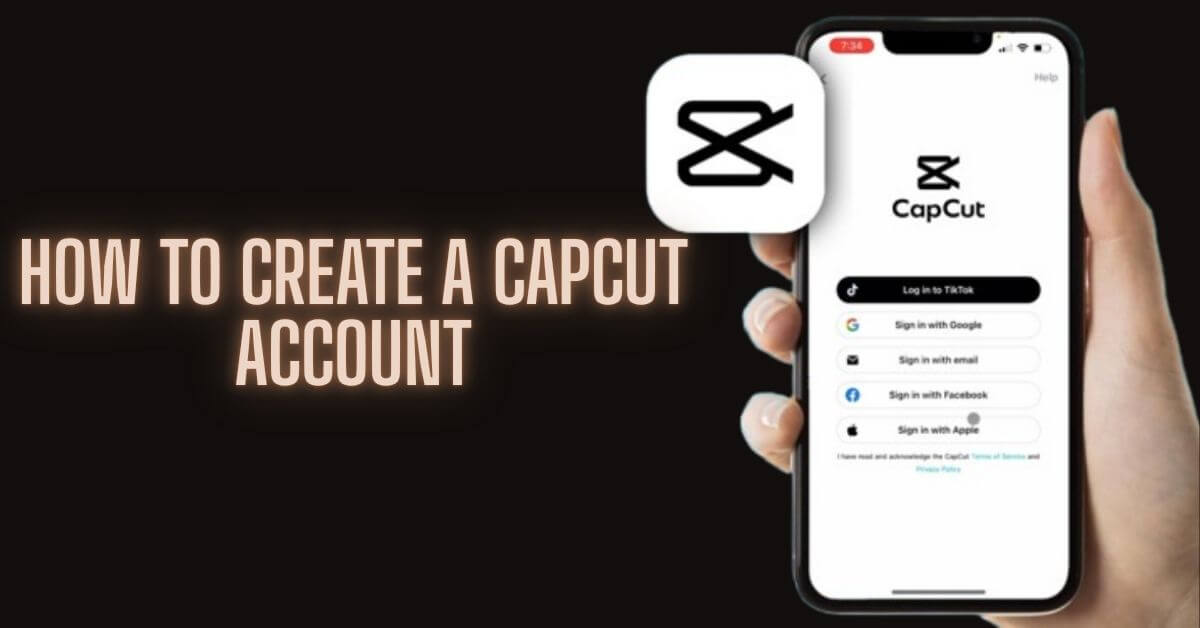
Whether you are on Android, iPhone, Windows, Mac, or just using a browser, this guide covers every way how to Create a CapCut Account, secure it, and get the most out of it from day one.
A CapCut account is a free profile that links your video projects, templates, and AI tools across all your devices: Android, iPhone, Windows, Mac, and the web. You only need an Email, Google, TikTok, or Facebook account to sign up in under two minutes.
Once created, your account automatically syncs your work to Cloud Storage so that you can edit on your phone and export to your laptop without losing anything.
What is a CapCut Account and Why Do You Need One?
CapCut is a free video editing app developed by ByteDance, the same company behind TikTok. It runs on Android, iPhone, Windows, Mac, and directly in your browser at capcut.com.
Without an account, you can open the app and do basic edits locally on your device. But the moment you want to access templates, AI tools, Cloud Storage, or pick up a project on a different device, you need an account.
Here is what a CapCut account unlocks for you:
Is CapCut safe to use? Privacy and security explained
How to Create a CapCut Account on Android and iPhone
The mobile app is the most popular way to sign up. The steps are almost identical on Android and iPhone, so follow these, and you will be set up in under two minutes.
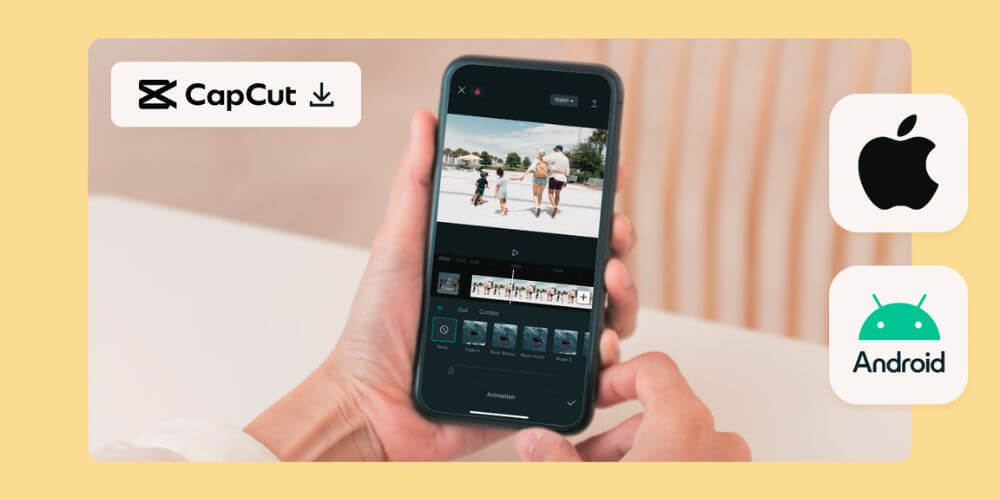
Step-by-Step: Create a CapCut Account on Android
Step-by-Step: Create a CapCut Account on iPhone (iOS)
Which devices support CapCut? Android, iOS, and PC guide
How to Create a CapCut Account on Windows and Mac
The CapCut desktop app gives you a larger screen, keyboard shortcuts, and a more precise editing experience on Windows or Mac. Creating an account here works similarly to the mobile app, but with a few important differences.
Step 1: Download the CapCut Desktop App (Official Source Only)
Always download from capcut.com, never from third-party sites. Unofficial downloads can contain malware or outdated versions of CapCut.
Step 2: Sign Up on Windows
- Install the CapCut desktop app and open it.
- Click Sign Up or Log In on the welcome screen.
- Choose your sign-up method: Email, Google, TikTok, or Facebook.
- Important: Windows does NOT support phone number login or Apple ID.
- Complete verification and enter your date of birth.
- Your account is now linked to the CapCut desktop app on Windows.
Step 3: Sign Up on Mac
The process on Mac is identical to Windows. Open the downloaded CapCut app, click Sign Up, and choose Email, Google, TikTok, or Facebook. Apple ID is not available on macOS desktop, only on iPhone.
How to Sign Up on CapCut Web — No Download Needed
Do not want to install anything? CapCut Web at capcut.com lets you edit videos directly in your browser. It is perfect for shared computers, Chromebooks, or when you want a quick edit without taking up storage.
Step-by-Step: CapCut Web Sign-Up
- Open any browser and go to capcut.com.
- Click Sign Up in the top-right corner.
- Choose your method: Email, Google, TikTok, or Facebook.
- Important: CapCut Web does NOT support Apple ID or phone number sign-up.
- Complete Email verification or social login.
- Enter your date of birth and confirm.
- You are now inside the CapCut Web editor, no download needed.
CapCut Web gives you access to templates, basic AI tools, and cloud projects. Some advanced features, like high-resolution export and certain AI effects, work better on the CapCut desktop or mobile apps.
CapCut Login Methods Compared — Which Works on Which Platform?
This is the question most guides skip. Here is the full breakdown of every login method and where it actually works, so you can choose the right one from the start and never lose your CapCut projects.
| Login Method | Android | iPhone | Windows | Mac | CapCut Web |
| ✅ | ✅ | ✅ | ✅ | ✅ | |
| ✅ | ✅ | ✅ | ✅ | ✅ | |
| TikTok | ✅ | ✅ | ✅ | ✅ | ✅ |
| ✅ | ✅ | ✅ | ✅ | ✅ | |
| Apple ID | ❌ | ✅ Only | ❌ | ❌ | ❌ |
| Phone Number | ✅ | ✅ | ❌ | ❌ | ❌ |
| QR Code | ✅ | ✅ | ❌ | ❌ | ❌ |
Can You Use CapCut Without Creating an Account?
Yes, but with major limitations. Here is exactly what you can and cannot do without a CapCut account on Android, iPhone, or CapCut Web.
| Feature | Without Account | With Account |
| Basic video trimming | ✅ Available | ✅ Available |
| Local filters and effects | ✅ Available | ✅ Available |
| Templates | ❌ Locked | ✅ Full access |
| Cloud Storage sync | ❌ Not available | ✅ Automatic |
| Auto Captions (AI tool) | ❌ Locked | ✅ Full access |
| Background Removal (AI tool) | ❌ Locked | ✅ Full access |
| Text-to-Video (AI tool) | ❌ Locked | ✅ Full access |
| Multi-device access | ❌ Not available | ✅ All devices |
| CapCut Pro features | ❌ Not available | ✅ With subscription |
| Project backup | ❌ Device only | ✅ Cloud Storage |
The short answer: you can do simple, one-off edits without an account. But for anything serious templates, AI tools like Auto Captions or Background Removal, or working across Android and Windows, a free CapCut account is essential.
How to Secure Your CapCut Account After Sign-Up
Most people skip this step completely. Do not. Your CapCut account may hold months of video projects, a CapCut Pro subscription, and linked personal data from Google or TikTok. Here is how to lock it down properly.
How to Enable Two-Factor Authentication (2FA)
How to Manage Linked Accounts and Connected Devices
In your Account & Security settings, you can see which devices are logged into your CapCut account using your UID (User ID) and DID (Device ID). These unique identifiers help ByteDance support locate your account in case of any issues.
Password Best Practices for Your CapCut Account
CapCut free vs Pro — what is the difference in 2026?
What Syncs to the Cloud and What Stays on Your Device?
Cloud Storage is one of the biggest reasons to create a CapCut account, but not everything syncs automatically. Here is the full breakdown for Android, iPhone, Windows, and Mac users.
| Data Type | Syncs to Cloud Storage | Stays Local Only |
| Drafts & in-progress projects | ✅ With account | ✅ Without account |
| Exported final videos | ❌ Not synced | ✅ Saved to device |
| Templates | ✅ Synced | — |
| Auto Captions & AI content | ✅ Synced | — |
| App settings | Partial | Partial |
| ✅ Without an account | ✅ Linked to account | — |
| Profile picture & nickname | ✅ Mobile app only | — |
Common CapCut Sign-Up Problems and How to Fix Them
These are the most common issues people run into when creating or accessing their CapCut account on Android, iPhone, Windows, or CapCut Web, and exactly how to fix each one.
Fix 1: Verification Code Not Received
- Check your spam or junk folder first.
- Make sure the Email address you entered is spelled correctly.
- Wait 2 minutes. Email delivery can sometimes be delayed.
- Tap Resend Code if the option appears.
- If nothing works, try signing up with Google or TikTok instead of Email.
Fix 2: “Account Already Exists” Error
This means a CapCut account with your Email or social login already exists. Tap Log In instead of Sign Up and use the Forgot Password option if needed. Do not create a new account; you will lose access to your old projects and CapCut Pro subscription.
Fix 3: Region Not Supported Error
CapCut has been permanently banned in India since 2020. In the United States, CapCut was temporarily removed in January 2025 under the PAFACA Act, which targeted ByteDance-owned apps, but it has since been reinstated. In the EU, CapCut is available with GDPR-K data protection requirements. If you see a region error, check your country’s current CapCut status.
Fix 4: Logged Into the Wrong Account
This is the most common cause of lost CapCut projects. If you tap Continue with Google and accidentally select the wrong Google account, CapCut creates a brand new, empty profile. Go to your profile settings, log out, and log back in with the correct account credentials.
CapCut login not working — causes and solutions 2026
CapCut Account Age Requirements and Regional Restrictions
CapCut enforces age rules in line with global data privacy laws, including COPPA and GDPR-K. Getting this wrong during sign-up on Android, iPhone, or CapCut Web can lock your account immediately.
Minimum Age to Create a CapCut Account
Your age is pulled from the date of birth associated with your sign-up method. If you log in with Google or TikTok, CapCut reads the age from that platform’s profile, not from what you type manually during sign-up.
What Happens If You Enter the Wrong Birthdate?
If CapCut detects an age restriction violation, you will see an error during login. The app offers an appeal option; you can submit a government-issued ID through the CapCut mobile app on Android or iPhone to verify your actual age. Submitting false information to bypass this check violates CapCut’s Terms of Service and risks a permanent account ban.
Countries Where CapCut Is Banned or Restricted
| Country / Region | CapCut Status | Reason |
| India | ❌ Permanently banned (since 2020) | Data privacy & national security (ByteDance) |
| United States | ✅ Available (reinstated post Jan 2025) | PAFACA review ByteDance ownership of TikTok & CapCut |
| European Union | ✅ Available with restrictions | GDPR-K data protection requirements |
| Australia | ✅ Available (under review) | ByteDance ownership security concerns |
| South Korea | ✅ Available (16+ age minimum) | Local data protection law GDPR-K equivalent |
How to Appeal an Age Restriction Error
- Open CapCut on your Android or iPhone.
- On the age restriction error screen, look for the Request Review or Appeal Age Restriction button.
- Tap it and submit a valid government-issued ID showing your real date of birth.
- Wait for CapCut’s review. This typically takes a few business days.
- If your Google, TikTok, or Apple ID profile shows the wrong age, update the birthdate in that platform’s account settings first, then try signing in to CapCut again.
Frequently Asked Questions
Is CapCut sign-up free?
Yes, completely free. You can create a CapCut account at no cost and access the majority of editing tools, templates, and effects without paying anything. CapCut Pro adds advanced AI features like Auto Captions, Background Removal, and Text-to-Video, and removes the watermark on exports, but signing up itself is always free.
Can I use one CapCut account on multiple devices?
Yes. One CapCut account works across Android, iPhone, Windows, Mac, and CapCut Web simultaneously. Just make sure you log in with the same method Email, Google, TikTok, or Facebook on every device. Mixing methods creates separate profiles and breaks Cloud Storage sync.
What happens to my projects if I delete my CapCut account?
All Cloud Storage projects, drafts, and data linked to your CapCut account will be permanently deleted. Exported videos already saved to your Android or iPhone will not be affected. Before deleting, export any projects you want to keep.
Can I change my CapCut login method later?
Yes, you can link additional login methods, such as adding Google to an Email account, through Account & Security settings. However, you cannot fully migrate an account created with one method to a different primary method. The safest approach is to add a backup login method, such as email, alongside Google as soon as you create your CapCut account.
Why did CapCut log me out automatically?
Automatic logouts usually happen for one of three reasons: a security flag on your CapCut account, an app update on Android or iPhone that required re-authentication, or signing in on too many devices at once. Simply log back in with your usual method. If the problem repeats, check your Account & Security settings for any active alerts.