What is CapCut? Complete Beginner Guide 2026
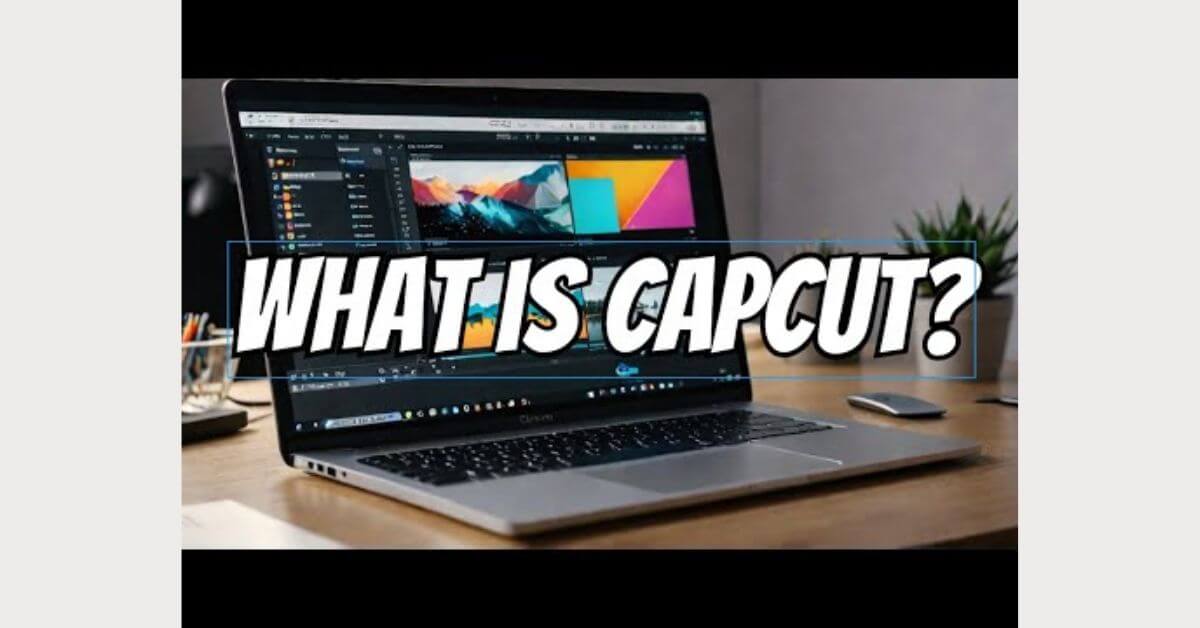
What is CapCut? CapCut is a free video editing app made by ByteDance, the same company that owns TikTok. It works on Android, iOS, Windows, macOS, and directly in your browser. You do not need any design or editing experience to use it.
As of 2026, CapCut has crossed 1 billion downloads worldwide. It is one of the fastest-growing creative tools ever built, mostly because it does in seconds what used to take hours: trimming clips, adding captions, removing backgrounds, syncing music to video beats, and generating AI-powered content.
In simple terms: CapCut is the video editor for people who make content for TikTok, Instagram Reels, and YouTube Shorts. But it has grown far beyond that.
The Story Behind CapCut — From JianYing to a Global App
In 2019, ByteDance launched a video editing app in China called JianYing. It was built specifically for Chinese creators who were posting on Douyin, TikTok’s Chinese version. JianYing became a massive hit almost instantly.
In 2020, ByteDance took that same product, rebuilt it for global markets, and released it internationally under two early names: ViaMaker (on iOS) and, later, CapCut. The ViaMaker name was quietly retired, and CapCut became the universal brand.
Here is the short timeline of how CapCut grew:
The reason CapCut grew so fast is simple: it lived inside the TikTok ecosystem. Every trending TikTok editing style transitions, beat syncs, and text overlays were already built into CapCut as a one-tap template. Creators did not need to learn how to edit. They just needed to open the app.
How Does CapCut Actually Work?
CapCut works through a three-step process that anyone can follow.
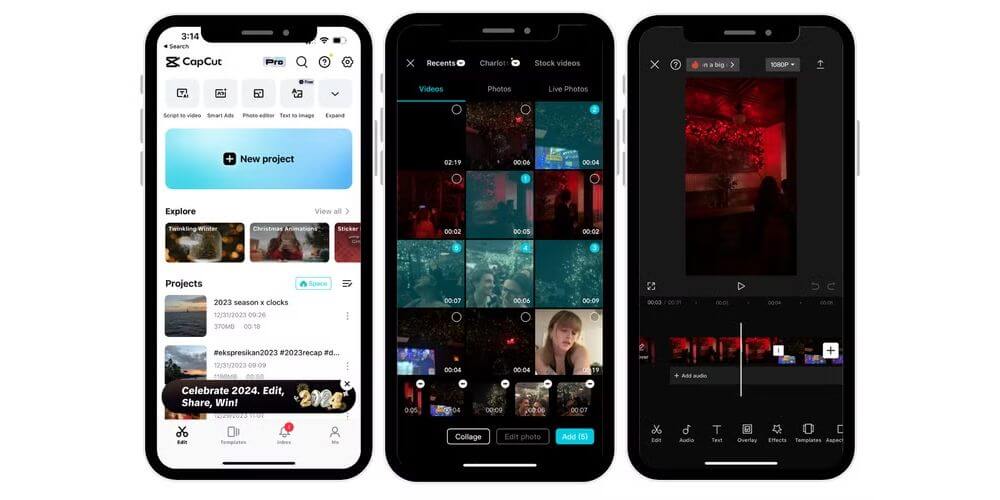
What makes CapCut different from older editors is the AI processing layer running underneath everything. When you ask CapCut to remove a background, the AI analyses each frame of your video and separates the subject from the background in real time.
When you use auto captions, the AI transcribes your speech and places text on screen with accurate timing. The Seedance 1.0 model, ByteDance’s own AI engine, powers the most advanced features, including text-to-video generation.
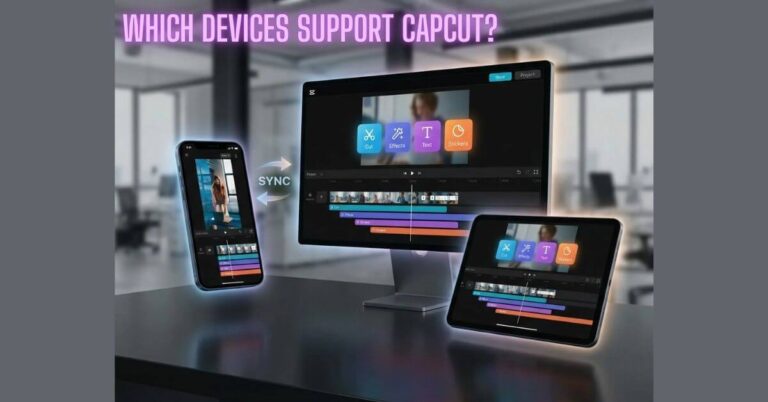
CapCut also syncs your project across devices. You can start an edit on your phone and continue it on your PC without losing anything. Everything is saved to the cloud automatically.
Key Features of CapCut in 2026 — Full Breakdown
CapCut has grown into a very deep tool. Here is what it can actually do.
AI-Powered Editing Tools
This is where CapCut pulls far ahead of most competitors.
Core Video Editing Features
Templates and Creative Tools
CapCut’s template library is one of its most powerful features and is often overlooked.
Creators upload their edited videos as templates. Other users can open those templates and replace the footage with their own clips in seconds. The timing, transitions, and effects are all preserved. This is why you often see hundreds of TikTok videos that look almost identical; they all use the same CapCut template.
New templates tied to viral trends appear every day. For anyone building content at scale, this feature alone can dramatically cut production time.
Audio and Voice Features
CapCut Free vs Standard vs Pro — What Do You Actually Get? (2026)
| Feature | Free | Standard | Pro |
|---|---|---|---|
| Basic editing tools | ✅ | ✅ | ✅ |
| Templates | (limited) | (full) | (full + exclusive) |
| Auto captions | ✅ | ✅ | ✅ |
| AI background remover | (limited uses) | ✅ | ✅ |
| Text-to-video (Seedance 1.0) | ❌ | (limited) | (full) |
| AI Avatar | ❌ | ✅ | ✅ |
| Export without watermark | ✅ | ✅ | ✅ |
| 4K export | ❌ | ✅ | ✅ |
| Cloud storage | 1 GB | 100 GB | Unlimited |
| Commercial use licence | ❌ | ✅ | ✅ |
CapCut on Every Platform — Android, iOS, PC, Mac, and Web
CapCut runs on almost every device you own.
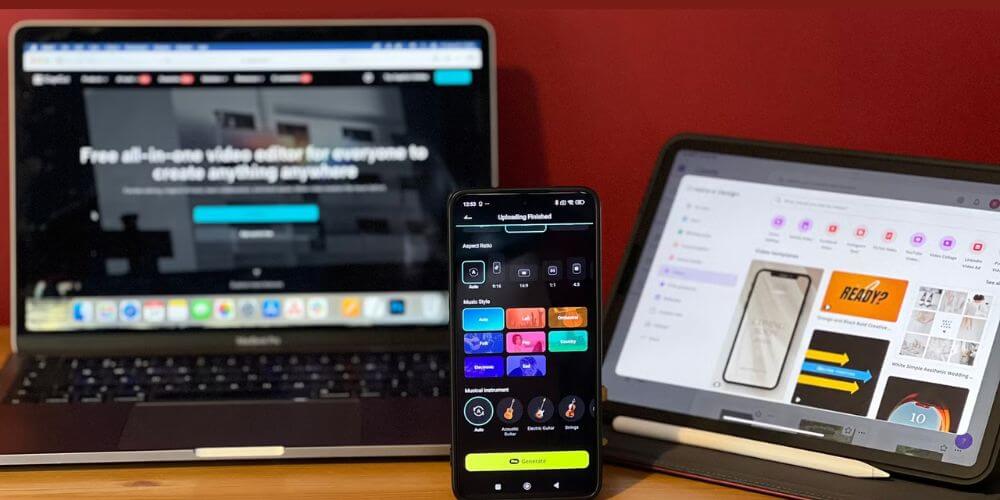
This cross-platform availability is a significant advantage over competitors like InShot and VN Editor, which are primarily mobile-first tools.
Who Should Use CapCut — And Who Should Not
CapCut is an excellent tool for a specific type of creator. But it is not the right tool for everyone.
CapCut is perfect for:
CapCut is not ideal for:
The honest summary: if your end goal is a social media video, CapCut is the best free tool available. If your end goal is a broadcast production or professional commercial, you need a different tool.
Is CapCut Safe to Use? — Privacy, Data, and Bans Explained
This is the most searched question about CapCut, and it deserves a direct answer.
CapCut vs The Competition — How Does It Stack Up?
CapCut is not the only option. Here is how it compares to the tools most people consider alongside it.
| Feature | CapCut | InShot | VN Editor | Adobe Premiere Pro | DaVinci Resolve |
| Price | Free / Pro | Free / Pro | Free | Paid subscription | Free / Studio |
| AI tools | Excellent | Limited | Limited | Good | Moderate |
| Platforms | All | Mobile only | Mobile + PC | Desktop only | Desktop only |
| Watermark (free) | None | Yes | None | N/A | None |
| Ease of use | Very easy | Easy | Easy | Complex | Complex |
| Templates | Huge library | Small | Moderate | None | None |
| Best for | Social content | Quick mobile edits | Clean mobile edits | Professional work | Professional work |
Final Word
CapCut is the best free AI video editor available for social media creators in 2026. It is fast, powerful, genuinely free for most use cases, and deeply integrated with the trends driving TikTok, Instagram, and YouTube Shorts.
If you make content for social media, there is no better starting point. Download it, spend 20 minutes exploring the templates and AI tools, and you will understand immediately why over a billion people have installed it.
If you have privacy concerns about ByteDance, those concerns are legitimate. Take sensible precautions, use a separate account, limit permissions, and avoid storing sensitive material in CapCut’s cloud.
If you are a professional editor working on broadcast or commercial projects, CapCut is a useful supplementary tool, not a replacement for Adobe Premiere Pro or DaVinci Resolve.
Frequently Asked Questions
What is CapCut, and what is it used for?
CapCut is a free video editing app developed by ByteDance. It is used to edit videos for social media, primarily TikTok, Instagram Reels, and YouTube Shorts. It includes AI tools like auto captions, background remover, and text-to-video generation.
Is CapCut owned by TikTok?
No. CapCut is not owned by TikTok. Both CapCut and TikTok are owned by the same parent company, ByteDance, a Chinese technology company. TikTok does not own CapCut; they are sibling products under the same corporate umbrella.
Why did CapCut get banned?
CapCut faced a ban in the United States in 2024–2025 as part of broader US government action against ByteDance-owned apps. The concern was national security, specifically, the risk that ByteDance could be compelled by the Chinese government to share US user data. The US District Court handled related proceedings. The ban was partially suspended in 2025, and CapCut is currently available in the US.
Can I use CapCut on PC?
Yes. CapCut has a dedicated Windows desktop app and a macOS app. You can also use CapCut in your browser at capcut.com without downloading anything. All platforms sync your projects automatically.
Does CapCut add a watermark?
In 2026, CapCut will not add a watermark to videos exported on the free plan by default. This was a change from earlier versions. Some older template-based exports may still include a CapCut logo frame. This can be removed by deleting the intro/outro segment before exporting.