How to Use Spotify AI DJ Feature — Explained (2026 Guide)
If you have opened Spotify recently and noticed a new button labeled “DJ,” you are probably wondering what it actually does, and why so many users are suddenly talking about it.
Spotify AI DJ is one of the platform’s biggest AI-powered features in recent years. Instead of simply playing a playlist or shuffling songs randomly, the feature acts like a personalized radio host that understands your music taste, adapts in real time, and even talks between tracks using AI-generated voice commentary.
The experience feels very different from traditional playlists like Discover Weekly or Daily Mix because the music changes dynamically based on your listening behavior, mood patterns, and interaction signals during the session itself. It combines machine learning playlist personalization, conversational AI, adaptive music recommendations, and real-time music curation into one continuous listening experience.
In this guide, you’ll learn exactly how Spotify AI DJ works, how to enable it on iPhone and Android, how the recommendation engine learns your taste, what countries support it, and how to fix common AI DJ problems if the feature is missing or not working properly.
What Is Spotify AI DJ?
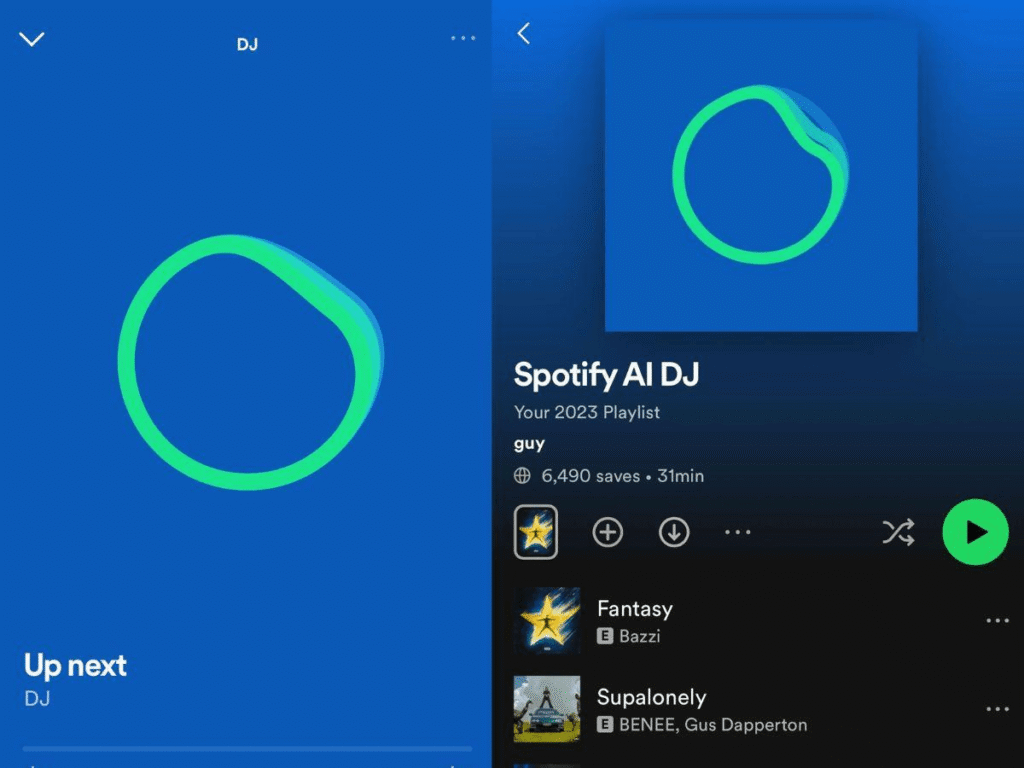
Spotify AI DJ is an AI-powered personalized radio experience built directly into the Spotify app. Unlike standard playlists, the feature continuously adapts the music it plays and introduces songs and artists with AI-generated voice commentary.
The voice is modeled on a real Spotify curator, creating a more natural, conversational tone rather than sounding robotic or overly scripted. Between tracks, the DJ explains why certain songs are being played, shifts between moods and genres, and reacts to your listening patterns in real time.
The feature launched first in the United States and Canada before expanding globally across multiple regions through 2024, 2025, and 2026.
At its core, Spotify AI DJ combines:
The result feels closer to listening to a real radio station built specifically around your personal music taste.
How Spotify AI DJ Is Different From Discover Weekly and Radio
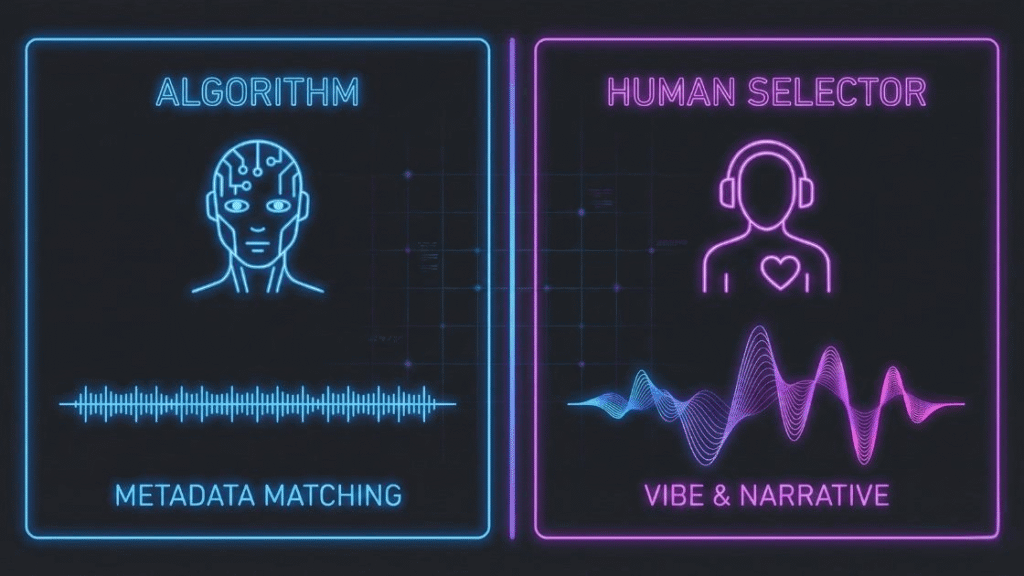
Many users confuse AI DJ with existing Spotify recommendation systems, but the experience works very differently.
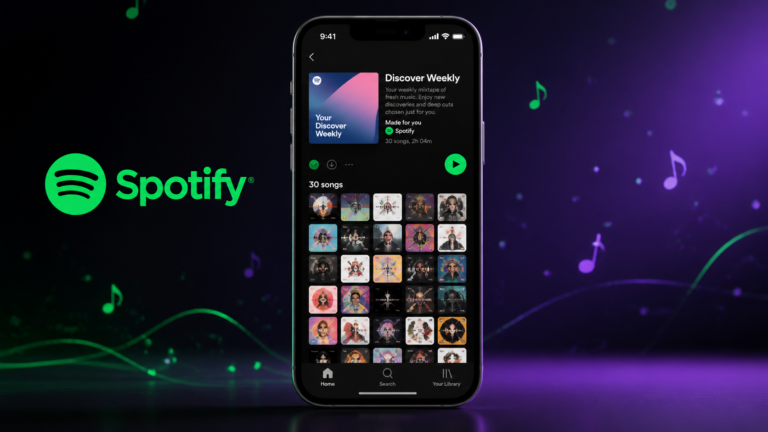
Spotify Discover Weekly is a static playlist that refreshes once every Monday. It contains around 30 recommended songs based on your long-term listening habits, but the playlist itself does not adapt during playback.
Spotify Radio works differently by generating an endless stream of songs related to one artist, track, or playlist. While it reacts to a starting point, it does not actively change direction based on your behavior during the session.
AI DJ combines elements of both systems while adding something new: real-time adaptation and voice interaction.
As you listen, the DJ continuously studies:
Then it changes the music accordingly.
If the system notices you repeatedly skipping upbeat tracks, it may gradually transition toward calmer music. If you heavily engage with electronic music during workouts, the DJ learns that pattern and begins prioritizing similar energy levels during future gym sessions.
This constant adaptation is what makes an AI DJ feel significantly more personal than traditional shuffle or playlist playback.
How Spotify AI DJ Works
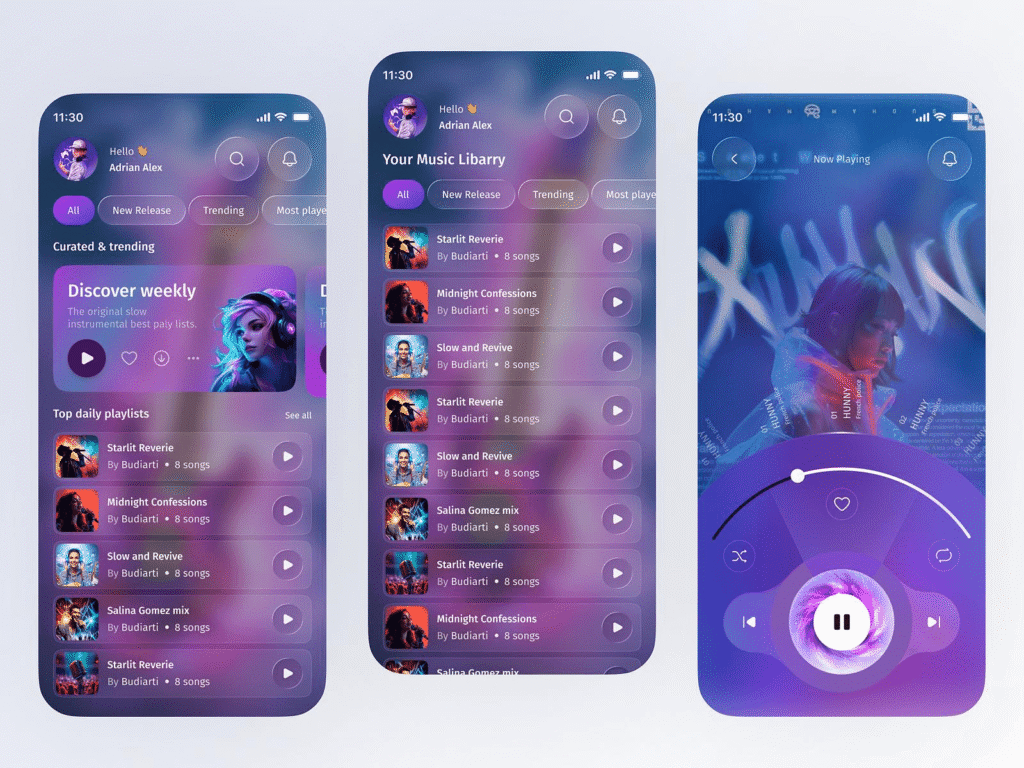
Understanding the technology behind AI DJ helps explain why the experience feels surprisingly accurate over time.
The system operates using three major components working together simultaneously:
- AI-powered music recommendation engine
- Real-time behavioral analysis
- Generative AI voice commentary
The AI Music Recommendation System
The music recommendation layer behind AI DJ is built on top of Spotify’s existing machine learning infrastructure, the same core technology used for:
- Discover Weekly
- Daily Mix
- Release Radar
- Personalized playlists
However, AI DJ differs because recommendations happen dynamically in real time instead of generating a fixed playlist beforehand.
Spotify studies:
The system combines both long-term listening habits and short-term session behavior to decide what should play next.
This creates a continuously evolving listening stream rather than a static recommendation list.
Mood-Based Music Streaming Signals
Spotify AI DJ also relies heavily on contextual listening signals.
The platform studies:
For example, your morning commute behavior may differ completely from your late-night listening habits. The AI gradually learns those patterns and adjusts recommendations accordingly.
If you consistently engage with ambient or instrumental tracks during study sessions, the system eventually begins associating those genres with focus-oriented listening contexts.
This contextual adaptation is one of the biggest reasons AI DJ often feels more “human” than standard algorithmic playlists.
How the AI Voice Commentary Works
One of the most unique aspects of Spotify AI DJ is the voice itself.
The commentary uses generative AI trained on the speech patterns and personality of Spotify curator Xavier “X” Jernigan. Instead of pre-recorded clips, the system dynamically generates contextual commentary between songs.
This means the DJ can:
The voice interaction makes transitions feel intentional instead of random.
For example, before switching from indie rock to electronic music, the DJ may say something like:
“You’ve been listening to a lot of chill indie lately, so let’s switch things up with something more energetic.”
That conversational layer significantly changes how the listening experience feels psychologically.
How Spotify AI DJ Learns Your Taste
The more you use AI DJ, the more accurate it becomes.
Every interaction acts as feedback for the recommendation engine.
Positive signals include:
Negative signals include:
The DJ button itself is also important.
Unlike the standard skip button, tapping the DJ button tells Spotify you want a complete shift in mood, genre, or era, not just a different song.
Over time, these interactions help Spotify build a deeper understanding of:
This adaptive learning process is what powers the increasingly personalized experience.
Who Can Use Spotify AI DJ?
Is Spotify AI DJ Free or Premium?
Spotify AI DJ is currently available only for Premium subscribers.
It does not work on Spotify Free accounts.
The feature is included across:
Spotify positions AI DJ as one of its advanced Premium-exclusive personalization features alongside:
Countries That Support Spotify AI DJ in 2026
AI DJ originally launched in:
Since then, Spotify has expanded support across:
The rollout continues region by region.
If the feature is available in your country, the DJ card usually appears directly on the Spotify Home screen.
Currently, English remains the primary supported language for AI DJ voice commentary, although localized versions are reportedly being tested.
How to Turn On Spotify AI DJ
Using Spotify AI DJ is simple once you know where to find it.
There is no special settings menu or activation process; the feature launches directly from the Home tab.
How to Enable AI DJ on iPhone and Android
Step 1 — Open Spotify
Launch the Spotify mobile app and log in to your Premium account.
Step 2 — Go to Home
Navigate to the Home tab.
Step 3 — Find the DJ Card
Look for the AI DJ card near the top of the feed inside the Music section.
Step 4 — Tap Play
Press the Play button to begin the AI DJ session instantly.
Step 5 — Control the Session
Use:
The feature starts working immediately without additional setup.
How to Use AI DJ on Desktop
AI DJ is primarily designed for mobile devices.
However, limited desktop support may appear depending on:
If available, the DJ card appears on the Home screen of the desktop app similarly to mobile.
The functionality remains mostly identical.
How to Control Spotify AI DJ Properly
Most users initially treat AI DJ like normal shuffle playback, but the controls behave differently.
The three most important controls are:
The DJ button is the most powerful because it changes the entire listening direction rather than skipping one track.
Meanwhile:
Using these controls intentionally helps the recommendation engine adapt much faster.
Best Real-World Uses for Spotify AI DJ
AI DJ for Commuting
Commuting is one of the best use cases for an AI DJ because the hands-free experience reduces the need to constantly manage playlists manually.
The voice commentary also creates a more engaging experience during long drives or train rides.
AI DJ for Workouts
AI DJ works especially well during gym sessions because the system gradually learns what energy levels you prefer during exercise.
If you repeatedly shift toward high-BPM music while working out, the AI eventually begins prioritizing more energetic tracks automatically.
AI DJ for Studying and Focus
For study sessions, an AI DJ can become highly effective once trained correctly.
Using thumbs up heavily on:
helps the system understand your focus preferences over time.
AI DJ vs Normal Shuffle
Shuffle mode is random.
AI DJ is adaptive.
Shuffle simply plays songs in an unpredictable order without understanding the mood or the listening context. AI DJ continuously adjusts its recommendations based on your behavior during playback.
For most users, AI DJ creates a significantly more personalized experience than standard shuffle mode.
Spotify AI DJ Not Working? Troubleshooting Guide
Why Is Spotify AI DJ Missing?
If you cannot see the DJ card, the most common causes are:
Updating the app and logging out/in often fixes visibility issues.
Spotify AI DJ Not Working — Common Fixes
If the feature appears but behaves incorrectly:
- Restart Spotify
- Update the app
- Check the internet connection
- Clear cache
- Reinstall Spotify
Because voice commentary is generated dynamically, an AI DJ requires a stable internet connection and works poorly offline.
AI DJ Missing After Spotify Update
Occasionally, Spotify updates temporarily hide experimental features during staged rollouts.
If AI DJ disappears:
The feature usually returns automatically once rollout syncing finishes.
Final Thoughts
Spotify AI DJ is one of the platform’s most advanced personalization features so far, combining AI-generated voice interaction, adaptive music recommendations, and real-time listening analysis into a single experience.
Unlike static playlists or normal shuffle mode, AI DJ evolves continuously based on your behavior, moods, and listening context. The more you interact with it intentionally, using thumbs up, replay behavior, and the DJ button, the smarter and more accurate the experience becomes over time.
For users who want a more dynamic, hands-free, and personalized music discovery experience, Spotify AI DJ is easily one of the platform’s most impressive features in 2026.
Is Spotify AI DJ available on all plans?
No, Spotify AI DJ is Premium only. It is not available on the free tier. Any Premium plan, Individual, Duo, Family, or Student, gives you access.
How is AI DJ different from Spotify Radio?
Spotify Radio is based on a single seed, one song, artist, or playlist, and plays similar music without adapting. AI DJ draws from your entire listening history, adapts in real time, shifts between genres and eras, and narrates the experience with voice commentary. It is significantly more intelligent and personalized than Radio.
How often does Spotify AI DJ update music recommendations?
Spotify AI DJ updates recommendations continuously in real time while you listen. Unlike Discover Weekly, which refreshes once every Monday, AI DJ adapts instantly based on your skips, likes, replay behavior, listening duration, and mood changes during the session.