What is Spotify?
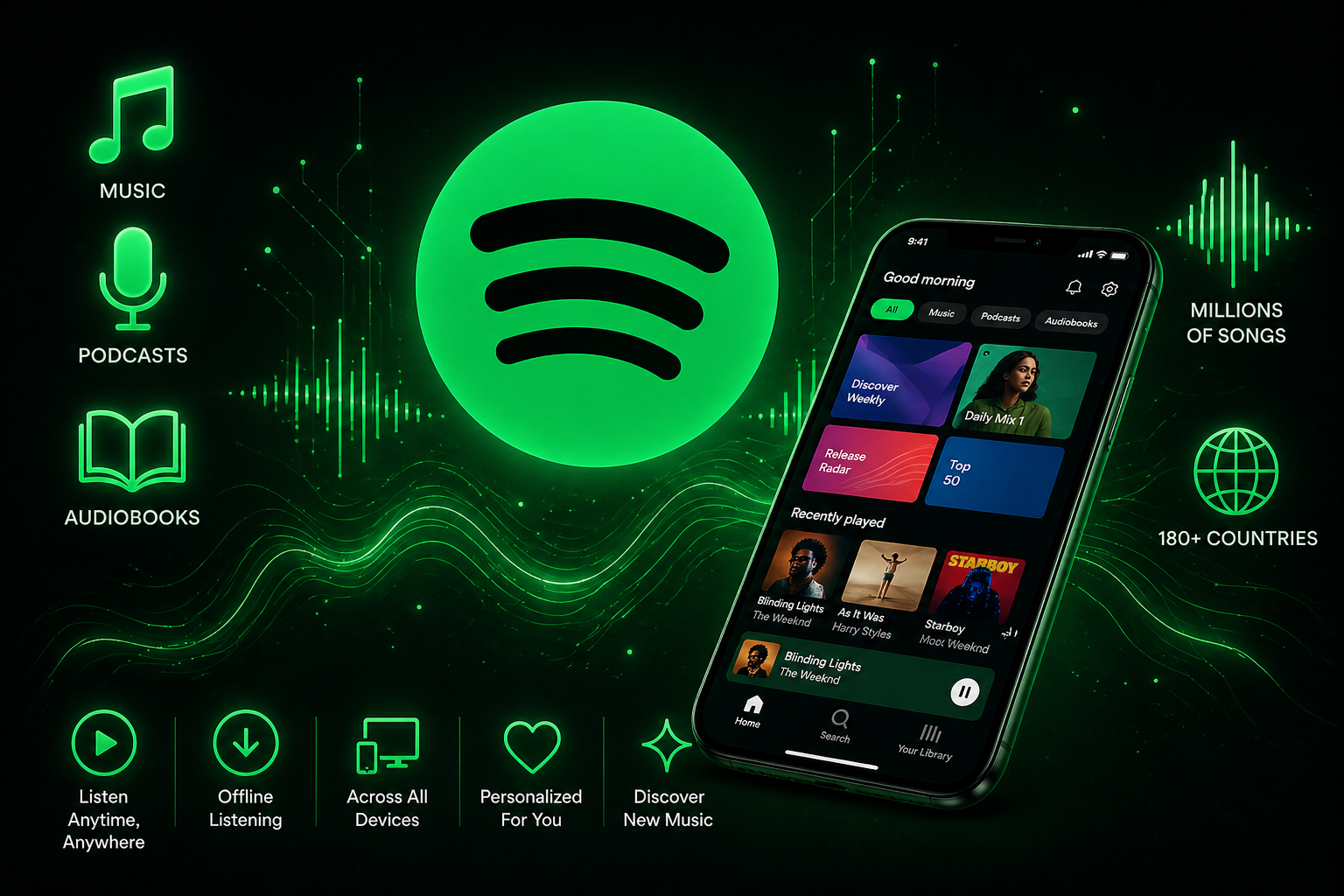
Every day, over 600 million people wake up, plug in their earphones, and hit play, and most of them are on Spotify. So what is Spotify? Exactly, and why has it become the default soundtrack of modern life? Simply put, it is a music streaming app that gives you instant access to over 100 million songs, podcasts, and audiobooks, all free, all on demand, all in one place.
Whether you have never streamed music before or just want to understand what the hype is about, this guide breaks it all down in plain language.
The Complete Beginner’s Guide (2026)
Spotify is a digital music streaming service that gives you instant access to a massive library of audio content, songs, albums, podcasts, and audiobooks, all available on demand. Founded in 2006 in Stockholm, Sweden, by Daniel Ek and Martin Lorentzon, it launched publicly in 2008 and has since grown into the world’s largest music streaming platform. As of 2026, Spotify has over 600 million active users across more than 180 countries.
Unlike buying a CD or downloading an MP3, Spotify operates on a streaming model. That means you are not downloading and owning the music. Instead, you are accessing it in real time over the internet, similar to how YouTube works for videos. The music plays instantly, disappears when you close the app (unless you save it for offline use), and you always have access to the latest version of any album or playlist.
People often ask whether Spotify is just a music app. The honest answer is that it started as one, but today it is much more. It is a complete audio platform covering music discovery, podcast listening, audiobook reading, and even live artist events. If something has audio, Spotify either already has it or is working on getting it.
How Does Spotify Work?

At its core, Spotify works through music streaming. When you press play on a song, Spotify’s servers send that audio file to your device in small, compressed chunks. Your app buffers just enough of the file to keep playback smooth, and the rest loads in the background. This process happens in milliseconds, which is why songs start almost instantly.
Behind the scenes, Spotify stores its entire catalogue on cloud servers around the world. These servers are optimized to deliver audio quickly to any device, anywhere. The audio quality you receive depends on your internet speed and your account settings. Free users get decent-quality; Premium users can unlock higher bitrates, including up to 320 kbps.
A common beginner question is: Does Spotify work without internet? The answer is yes, but only partially. With a Spotify Premium account, you can download songs, albums, and playlists to your device for offline listening. Free users do not have this option and need a stable internet connection for everything. Even with downloads, you still need to connect at least once every 30 days to verify your subscription.
What Can You Do on Spotify?
Spotify has evolved far beyond a simple song player. Here is a clear breakdown of everything the platform offers today.
Music: millions of songs at your fingertips
Spotify’s music library contains over 100 million tracks spanning every genre imaginable, from classic Bollywood to K-pop, jazz, EDM, hip-hop, qawwali, and everything in between. You can search for specific songs, browse by genre or mood, or let Spotify’s intelligent recommendation system find something new you might love. New releases are usually available on the same day they drop globally.
Podcasts and audiobooks
Spotify hosts over five million podcast titles, including exclusive shows from major celebrities, journalists, and creators. True crime, finance, comedy, technology, health, there is a podcast for literally every interest. Audiobooks are the newest addition: Spotify now gives Premium subscribers access to a growing library of audiobooks as part of their monthly subscription, competing directly with Audible.
Playlists, yours, theirs, and the algorithm’s
Playlists are the heart of the Spotify experience. You can create your own, follow playlists by other users, and access thousands curated by Spotify’s editorial team. But what makes Spotify truly unique is its algorithm-generated playlists built specifically for your taste, Discover Weekly, Daily Mixes, and Release Radar, which refresh regularly and get smarter the more you listen.
Spotify Free vs Spotify Premium — What’s the Real Difference?
This is one of the most searched questions about Spotify, and rightly so. Here is a clear, honest comparison between the two plans.
| Feature | Feature | Premium |
|---|---|---|
| Access to full music library | ✓ Yes | ✓ Yes |
| Ads between songs | ✗ Yes, every few songs | ✓ No ads at all |
| On-demand playback on mobile | ◐ Shuffle only | ✓ Full on-demand |
| Offline listening / downloads | ✗ Not available | ✓ Up to 10,000 songs |
| Audio quality | ◐ Up to 160kbps | ✓ Up to 320kbps |
| Skip songs | ◐ Limited skips | ✓ Unlimited skips |
| Podcasts | ✓ Full access | ✓ Full access |
| Audiobooks | ✗ Not included | ✓ 15 hrs/month |
| Spotify Connect (speaker control) | ✗ Limited | ✓ Full access |
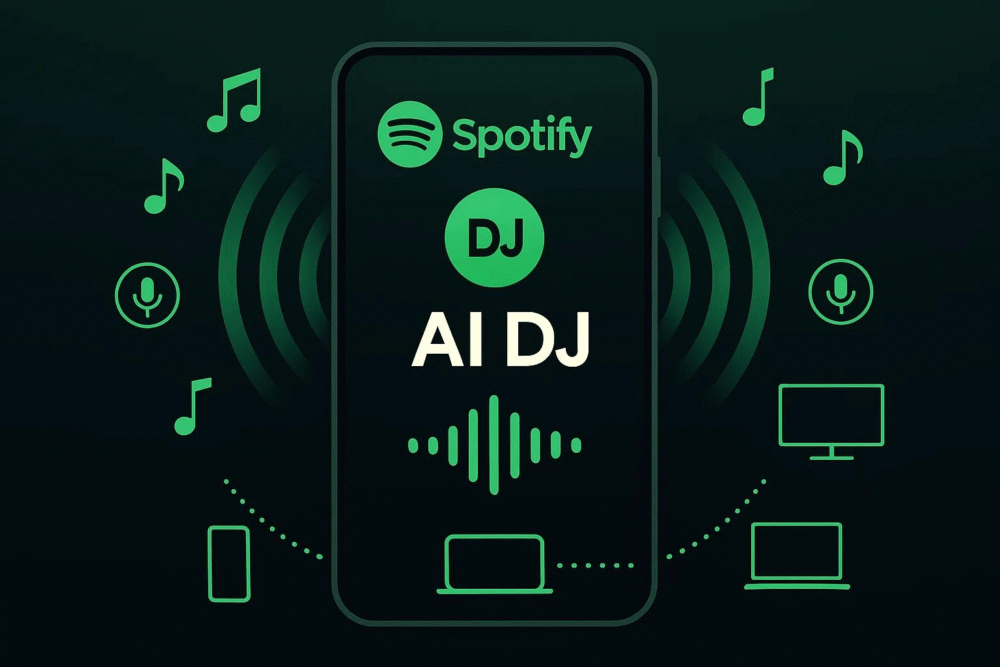
| AI DJ feature | ✗ Not available | ✓ Available |
| Price | Free forever | From ~$4–11/month |
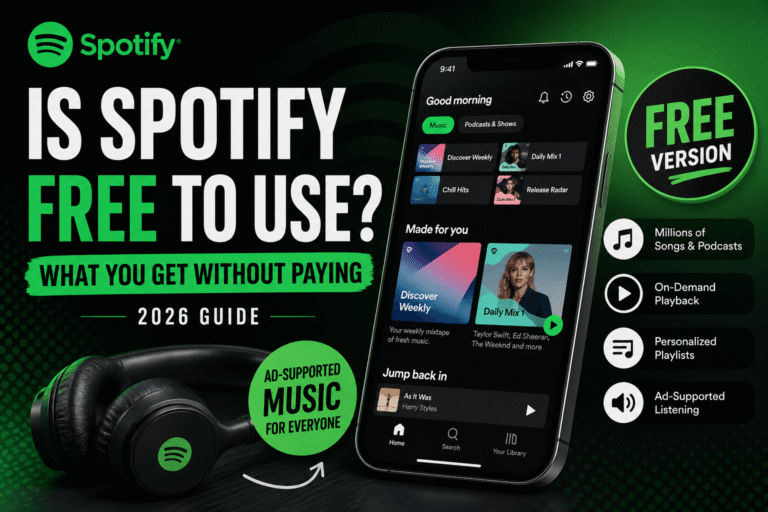
The free plan is genuinely usable. You get access to the full music and podcast library, can search for any song, and listen on demand on a desktop. However, on mobile, free users are limited to shuffle mode on albums; you cannot pick a specific song and play it in order. Free listening also comes with ads every few songs. There is no offline listening, and audio quality is capped at a lower bitrate.
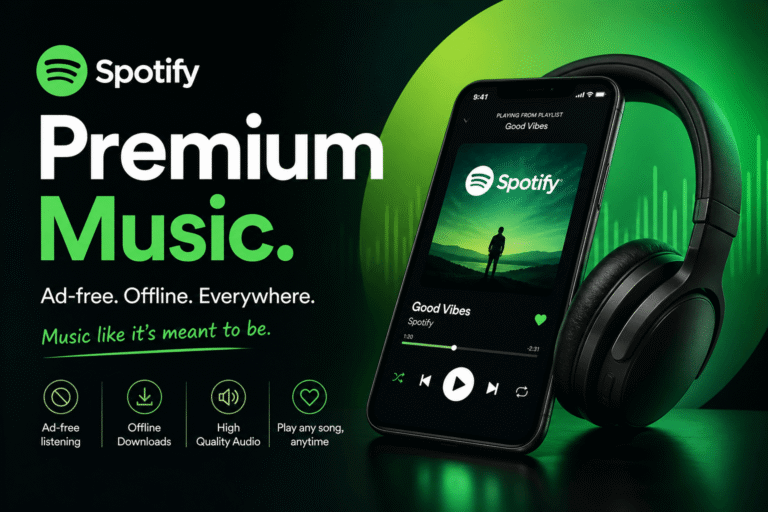
Spotify Premium removes all of those limits. You get completely ad-free listening, full on-demand playback on any device, offline downloads, higher audio quality, and access to the audiobooks library. Premium also unlocks features like Spotify Connect, unlimited skips, and the AI DJ feature.
All Premium plans in 2026
Is Spotify Premium worth it in 2026? For anyone who listens to music or podcasts regularly, even just an hour a day, the answer is almost always yes. The ad-free experience alone transforms the listening quality, and offline downloads are a game-changer if you commute or travel.
How to Get Started on Spotify (Step-by-Step for Beginners)
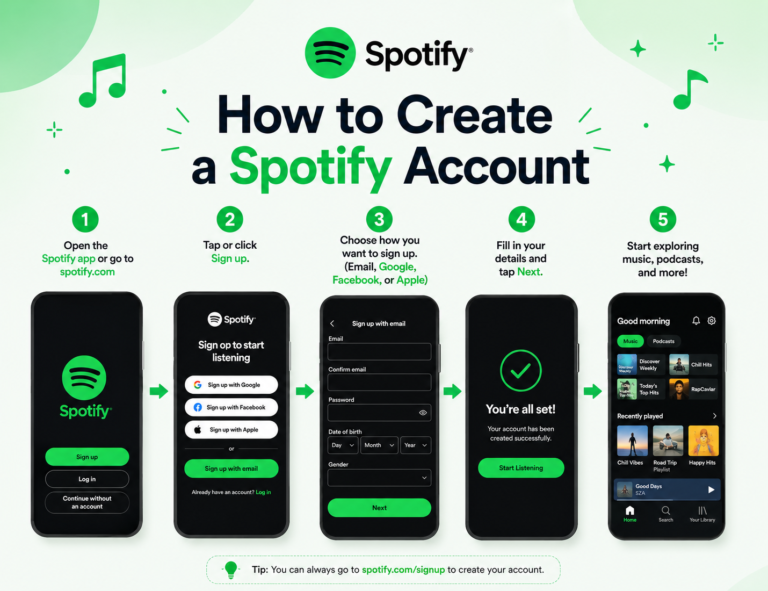
Getting started with Spotify takes less than five minutes. Here is the complete process from zero to listening.
Download the app or open the web player
1. Download the app or open the web player
Available on iOS, Android, Windows, Mac, and any web browser at open.spotify.com. Also
works with smart TVs, PS5, Xbox, and smart speakers.
2. Create your Spotify account
Sign up with email, or faster through Google, Facebook, or Apple,no credit card needed for
the free plan..
3. Tell Spotify what you like
Select a few artists and genres you enjoy. These seed your recommendation engine and personalize your playlists from day one.
4. Start listening and exploring.
Search your favourite artist, hit play, and explore the Home tab for personalized
recommendations. Within a few sessions, the algorithm will already know your taste.
How Does the Spotify Algorithm Work? (Beginner-Friendly Explanation)
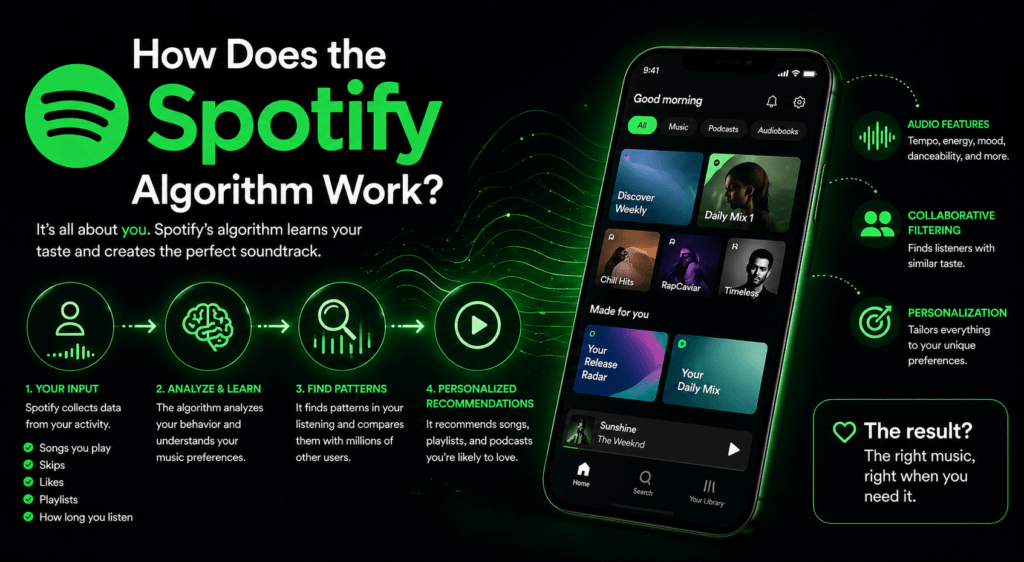
The Spotify algorithm is what makes the platform feel eerily good at knowing what you want to hear. It relies on three main engines working together.
The first is collaborative filtering, which compares your listening behaviour to millions of other users. If you and thousands of other listeners share a love of similar artists, Spotify infers you might also enjoy the same lesser-known tracks those listeners play.
The second is natural language processing (NLP). Spotify constantly crawls music blogs, reviews, and social media posts to understand how people describe certain songs and artists. Words and phrases that appear around a track help the algorithm understand its emotional tone, genre context, and cultural associations.
The third is audio analysis. Spotify’s machine learning models listen to the acoustic properties of songs, tempo, key, loudness, danceability, and energy to recommend music that sounds similar to what you already enjoy, even for brand new tracks with no listener history.
Key algorithmic signals that matter most
These engines feed Spotify’s famous personalised playlists. Discover Weekly refreshes every Monday with 30 songs the algorithm thinks you’ll love but haven’t heard. Release Radar drops every Friday with new music from artists you follow.
Daily Mixes are always-on playlists grouped by genre, updated throughout the week. And in 2026, the AI DJ adds a voice-guided experience that introduces songs with context like a real radio host.
Spotify for Artists — What It Means for Creators
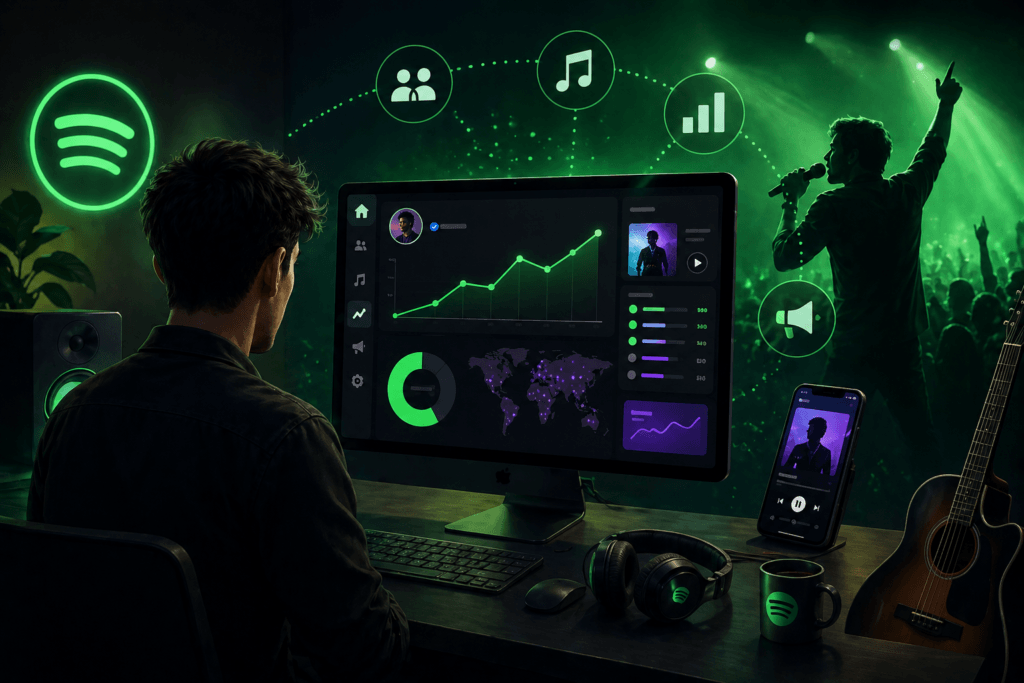
Spotify is not just a platform for listeners. It is also one of the most important tools available to independent musicians in 2026. Spotify for Artists is a free dashboard that lets any verified artist manage their profile, track real-time streaming data, pitch new music to editorial playlist teams, and understand their audience demographics in detail.
Artists can see exactly which cities their listeners are in, what age groups are engaging with their music, how listeners discovered their songs, and how individual tracks perform over time. Getting music onto Spotify requires a distributor service like DistroKid, TuneCore, or CD Baby, which will distribute your music not just to Spotify but to Apple Music, Amazon Music, and dozens of other platforms simultaneously.
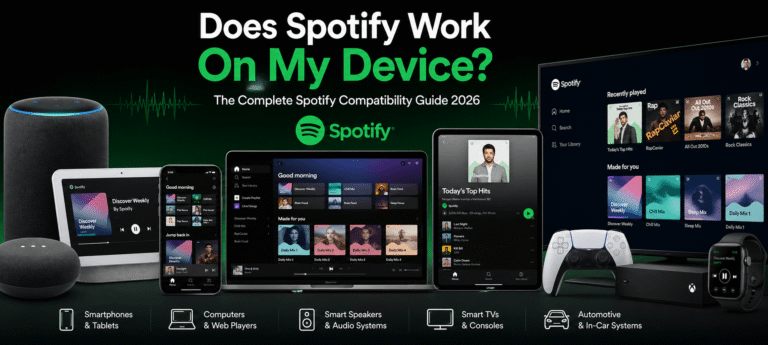
Spotify Across All Your Devices
One of Spotify’s biggest practical advantages is its seamless integration across every device you own. You can start listening on your phone during your morning commute, continue on your laptop at work, and switch to a smart speaker at home, all without losing your place.
Spotify Connect is the feature that makes this possible. It lets you use your phone as a remote control and stream music to any Spotify-enabled device on your network, a smart TV, a Sonos speaker, an Amazon Echo, a Chromecast, or a friend’s device. Spotify also integrates deeply with car systems via Apple CarPlay and Android Auto, making it one of the safest ways to listen while driving.
Spotify Tips and Tricks for Beginners
Once you’re comfortable with the basics, these features will seriously improve your experience.
Spotify Wrapped
Every December, Spotify releases your annual listening report, top songs, top artists, total minutes, and a music personality. It becomes a massive cultural moment on social media.
Sleep
timer
Found in the three-dot menu on the Now Playing screen. Set it to stop playback after 5 to 30 minutes, perfect for falling asleep to music or podcasts.
Crossfade and audio quality
Found in the three-dot menu on the Now Playing screen. Set it to stop playback after 5 to 30 minutes, perfect for falling asleep to music or podcasts.
Block songs you hate
Press the three dots next to any song and select “Don’t play this” to permanently exclude it from your automatic playlists and recommendations.
Offline downloads
(Pre)Title
Download your favourite playlists before commuting or travelling. Playback works without any internet connection once downloaded
Share and collaborate
Share songs, albums, and playlists via link to any app. You can also create Collaborative Playlists where friends can add their own songs.
Is Spotify Safe? Privacy and Account Security
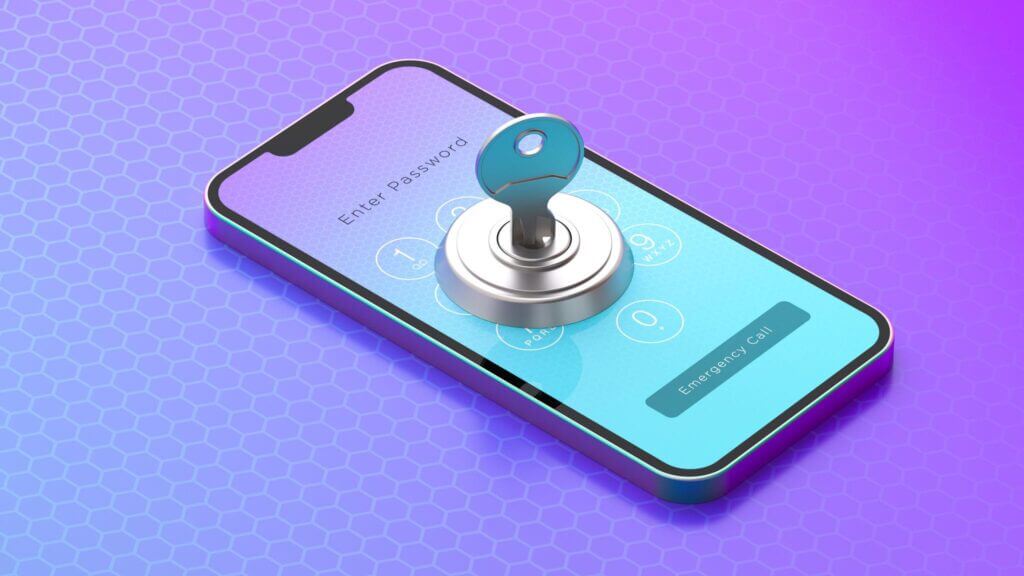
Spotify is a legitimate, globally trusted service used by hundreds of millions of people and is safe to use. Enable two-factor authentication in your account security settings, use a strong, unique password, and periodically check your connected apps section to remove third-party apps you no longer use.
For families with young children, Spotify Kids is a completely separate app with a curated, child-friendly library, parental controls, and a bright, colourful interface with no adult content whatsoever. On the data privacy side, Spotify does collect listening data to power its recommendations. You can review and manage your data permissions in the privacy settings at spotify.com, and download your complete listening history at any time.
Spotify vs Competitors — How Does It Compare in 2026?
Spotify is the global leader in music streaming, but it is not the only option. Apple Music, YouTube Music, Amazon Music Unlimited, and Tidal are its main competitors, each with genuine strengths.
| Spotify wins at | Competitors win at |
| Best recommendation algorithm | Apple Music, lossless + spatial audio |
| Largest podcast library | YouTube Music, music videos + live versions |
| Cross-device seamlessness | Amazon Music — Alexa smart home integration |
| Social features and sharing / Affordable regional pricing | Tidal — highest audio quality (HiFi) |
For most beginners, Spotify remains the safest and smartest first choice. No competitor has matched the quality of Discover Weekly, Daily Mixes, and the overall personalization system that makes the platform feel genuinely personal after just a few days of listening.
Final Word
Spotify is the easiest way to discover music, podcasts, and audiobooks all in one place. The free plan costs nothing, sets up in minutes, and gets smarter the more you listen. Want the full experience? Premium removes every ad, unlocks offline listening, and delivers studio-quality sound on any device. One app. A hundred million songs. Start listening today.
Frequently Asked Questions
What is Spotify Wrapped 2026?
Spotify Wrapped is your personalized annual listening report, released every December, that shows your top songs, artists, genres, and total listening time. In 2026, it will also include new features like Sound Town, Listening Personality, and an AI-generated audio recap.
Why does Gen Z love Spotify?
Gen Z loves Spotify because it matches their culture of hyper-personalization, music-as-identity, and social sharing from Discover Weekly to shareable Wrapped stats. Features like Blend, Collaborative Playlists, and podcast access make it a complete audio lifestyle platform, not just a music app.
What is the 30-second rule on Spotify?
A song must play for at least 30 seconds to count as an official stream and generate royalty payments for the artist. If a listener skips before 30 seconds, the play is not counted, and the algorithm treats it as a negative signal against that track.
How to claim 3 months free Spotify Premium?
Visit spotify.com/premium to check current trial offers. Spotify regularly runs extended free trials for new subscribers. You can also get free Premium months through partner deals with device brands like Samsung or via telecom bundles offered by your mobile network operator.